
5 Ordinary Jobs AI Can Take Off a Small Business Owner’s Plate
Most small business owners do not lose their week to big decisions. They lose it to the same handful of small jobs: the reply you keep putting off, the quote you rewrite from scratch, the notes you can no longer read. How AI saves small business time comes down to these jobs, because they repeat, they follow a pattern, and most of the effort goes into getting started.
This article covers five of them. For each one you will see what to hand to an AI tool, what to keep for yourself, and a short prompt you can paste in today. None of it needs special software. A free or low-cost AI chat assistant is enough.
Start with the chores you already dislike
The best first job for AI is one you already do often and mildly resent. Repetition gives the tool a pattern to follow, and dislike means you will notice the saving.
A useful rule: give AI the first draft and keep the final say. A draft that is 70 percent right takes a couple of minutes to fix. A blank page takes much longer to fill. The tool will still get facts wrong, miss context only you have, and sometimes sound like nobody you know, so everything it writes gets read by you before it goes anywhere.
Never paste anything into an AI tool that you would not want stored somewhere else. That means customer card numbers, passwords, and private details about people. Names and addresses can usually be swapped for placeholders like “the customer” before you paste.
1. Answering customer emails without starting from a blank page
Many inboxes are full of variations on four or five questions: what do you charge, when can you start, do you cover my area, where is my order. You already know the answers. What takes time is turning them into a polite, clear email, again and again.

Hand over: the first draft of routine replies, the tone, and the structure (greeting, answer, next step).
Keep: the facts. Prices, dates, availability and policies come from you. The AI does not know your business, and if you leave a gap it may fill it with something plausible and wrong.
Try this prompt:
I run a small business and I am replying to a customer. Write a short, friendly, professional email of under 120 words. Answer their question using only the facts I give you. If you need a fact I have not given, say so instead of guessing. My facts: we are open Monday to Friday, 9 to 5, and we can usually book new jobs within two weeks. Here is the customer’s email:
Paste their message under that last line. The instruction to say so instead of guessing matters. It will not stop every invented detail, but it cuts them down, and you should still check any number or date in the reply.
Once you have a reply you like, save it as a template. Next time, paste the template with the new question and ask the AI to adjust it.
2. Turning rough notes into quotes and follow-up messages
After a site visit or a phone call, most owners have scribbled notes: measurements, what the customer wants, a rough idea of cost. Turning those into a tidy quote or a follow-up message is where the evening goes.
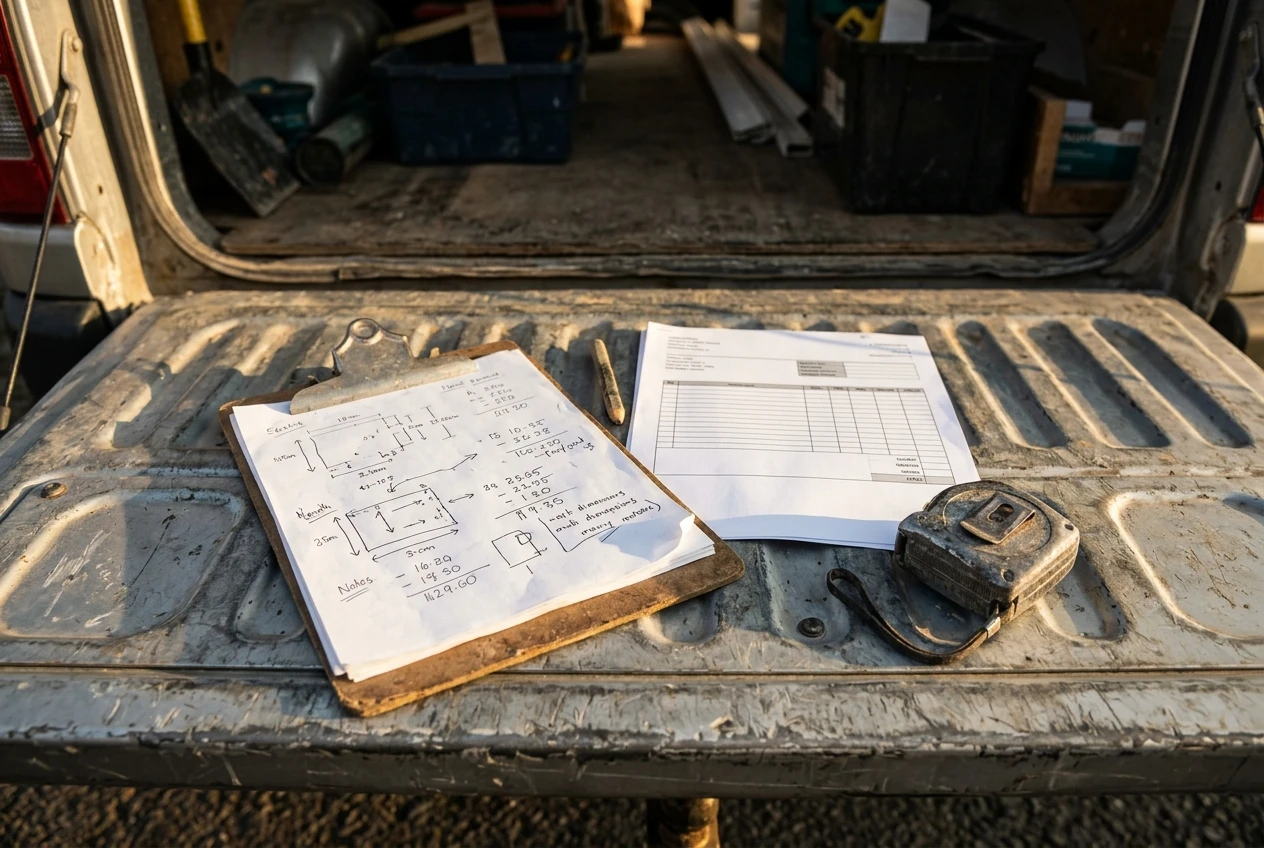
Hand over: the layout and the wording. AI is good at taking messy notes and arranging them into a clear list of what is included, what is not, and what happens next.
Keep: every figure. Prices, quantities, deadlines and payment terms must come from you, and you should compare the finished quote against your notes line by line. An error in a quote costs money or damages trust, and the AI has no way of knowing what you meant to charge.
Try this prompt:
Turn the notes below into a clear, polite quote message for a customer. Use headings for “What is included”, “What is not included” and “Next steps”. Do not change any numbers, and do not add anything that is not in my notes. If something looks unclear or missing, list your questions at the end instead of filling it in. My notes:
The same approach works for follow-ups. A customer who has not replied to your quote in a week is usually busy, not uninterested. Ask the AI for a short, friendly nudge from your notes: “Write a three-sentence follow-up to a customer who received a quote last week. Keep it warm and give them an easy way to say yes, no, or ask a question.”
3. Getting a week of social posts drafted in one sitting
Social media is a common source of guilt. You know you should post, and you do not know what to say. Drafting a batch in one go removes the daily decision.
Hand over: ideas, first drafts, and variations. Ask for five posts at once and you will usually find two worth using and one that sparks a better idea of your own.
Keep: anything that depends on real events, real customers and real photos. AI cannot know what happened in your shop on Tuesday. Posts that sound generic are the usual weakness, so add one detail only you could know before you publish.
Try this prompt:
Write five short social media posts for a small business that does home cleaning. Each should be under 60 words, friendly and plain, with no hashtags and no exaggerated claims. Cover: a practical cleaning tip, a reminder that we are taking bookings, a thank-you to customers, an answer to a common question, and a short behind-the-scenes note. Leave out any details you would have to invent, such as names, prices, or dates.
Swap “home cleaning” for your own trade. Read the posts for claims you cannot back up (“the best in town”, “guaranteed results”) and cut them. Also look out for odd phrasing that is not how you talk. If a sentence sounds like an advert, rewrite it in your own words.
4. Summing up meetings, calls and long documents
Long supplier terms, a wall of notes from a call, a lengthy email chain: reading all of it carefully takes time you may not have. A summary can show you what is in it and where to look.
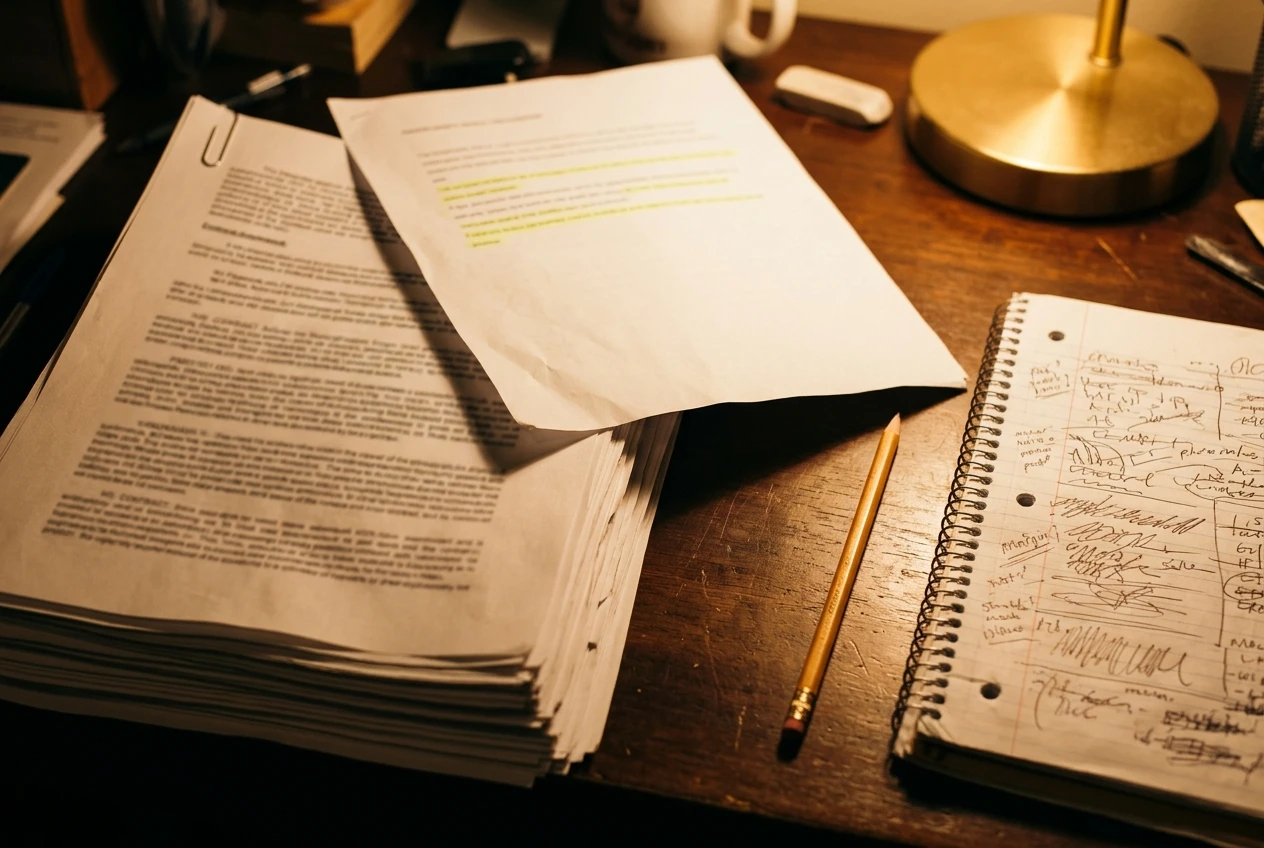
Hand over: the first pass. Ask for the main points, any decisions, and a list of actions with who is responsible.
Keep: the judgment on anything that carries risk. For a contract, a lease, an insurance document or anything legal or financial, use the summary to understand the shape of the document, then read the important sections yourself or ask a qualified professional. Summaries can leave out the one clause that matters.
Try this prompt:
Summarise the text below for a busy business owner. Give me: a summary of no more than five sentences, a list of decisions that were made, and a list of actions with the name of the person responsible if it is stated. If something is unclear, say it is unclear. Do not add anything that is not in the text. Here is the text:
If you record or transcribe calls with customers or staff, make sure the people on them know. Rules about recording differ by place, so check what applies where you operate.
5. Tidying the admin: lists, schedules and checklists
This is the lowest-risk place to start. Admin tasks have few facts that can go wrong, and the result is easy to judge: either the checklist is useful or it is not.
Good jobs for AI here:

- Turning a pile of scattered to-dos into a list sorted by urgency
- Building a weekly schedule around fixed appointments
- Writing a step-by-step checklist for a job you do the same way every time, such as opening up, closing down, or onboarding a new customer
- Cleaning up a messy list of names or products into a consistent format
- Drafting a simple script for answering the phone
Keep: the priorities. The tool does not know which customer is your biggest or which deadline cannot move unless you say so.
Try this prompt:
Here is my list of tasks for this week, in no particular order. Sort them into “Do today”, “Do this week” and “Can wait”, and explain your reasoning in one line each. Deadlines I cannot move: the supplier order must go out on Wednesday, and I have a customer visit on Thursday afternoon. Here is the list:
When you reformat lists of data, spot-check a few entries against the original. Tools occasionally drop a line or change a spelling without telling you.
What to check before anything goes out under your name
A short routine catches most problems. Before you send or publish AI-written text, go through these in order:
- Facts. Check every price, date, name, phone number, and policy against your own records.
- Promises. Look for anything the text commits you to that you did not intend, such as a deadline, a guarantee, or a discount.
- Tone. Read it aloud. If you would never say it to the customer’s face, change it.
- Privacy. Make sure no private information has crept in, and that you did not paste anything sensitive in the first place.
- Sources. If the AI states a general fact or a rule, such as a tax or legal point, treat it as unconfirmed until you have checked it with a reliable source.
Skipping that routine is how an AI draft turns into an embarrassing email. Doing it takes a minute or two. That is why the draft still saves time even when you edit it heavily.
AI tools also change often, and what they can and cannot do shifts from month to month. Treat any tool as a fast but careless assistant: useful for drafts, unreliable on details, and never responsible for the outcome. You are.
Pick one and try it this week, then see how to build a website that shares what you learn
Choose the single chore from this list that annoys you most. Run the prompt on a real example, edit the result, and note how long the whole thing took compared with doing it by hand. If it saved time, do it again next week. If it did not, try another chore. Starting small like this costs you very little and shows you where AI helps your particular business.
As you try things, you will build up prompts that work, templates you trust, and a sense of where the tools fall short. That knowledge is useful to other small business owners too, and a website of your own is a good place to put it. You can share what you find, answer the questions customers keep asking, and let people find your business through what you publish.
If you want to do that, take a look at Wealthy Affiliate. It is a place where you can build your own website and learn to use AI for your business. A plain note: if you join through the link here, the author of this site earns a referral commission, at no extra cost to you.